How to Redeem Raise a Mei Mei Codes
A practical checklist for claiming promo rewards the moment a verified code appears.
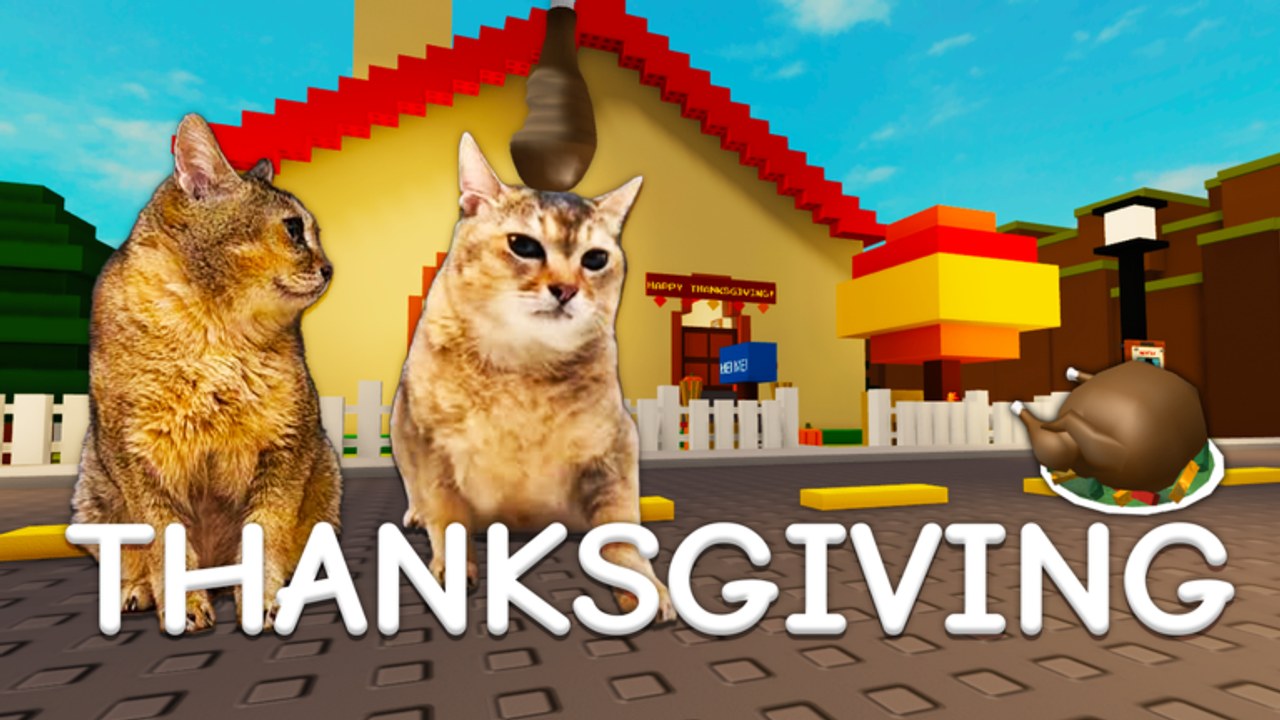
Redeeming codes in Raise a Mei Mei [MOON🌙] is simple once you know which menu holds the text box. This guide walks through the expected flow for a brand-new Roblox pet-care game, what to do when redemption fails, and how to turn free rewards into lasting income. Pair it with the live status table on the Codes Hub—which currently lists no verified public codes as of November 2026.
Before you redeem
- Launch Raise a Mei Mei from Roblox and wait until the house loads and Mei Mei is interactable.
- Confirm you are on the correct account. Codes are almost always once-per-account.
- Copy the code from a trusted source only: the ILUVMEIMEI group, the official game page, or an officially announced Discord. Avoid random “code lists” with malware ads.
- Have a spending plan ready. Open the MeowNet guide and upgrade tier list so reward cash goes into S-tier buys immediately.
Step-by-step redemption
Exact button labels can shift with patches, but the loop stays familiar across Raise-a-* experiences:
- Look for a Codes, Rewards, Shop, or Settings button on the HUD after spawn.
- Open the panel and find a text field labeled Codes or Redeem.
- Paste the code carefully. Delete leading or trailing spaces. Respect capitalization if the code mixes case.
- Press Redeem / Submit and wait for a success toast, cash popup, or inventory notice.
- Close the panel, check your money total, then open MeowNet on the old computer and buy the planned upgrade.
- If nothing happens, wait five to ten seconds and try once more. Rapid spam can rate-limit the request.
If the UI moved after a content wave, skim the latest patch notes—developers sometimes relocate menus when livestream or event HUDs are added.
What a successful redeem looks like
Success usually means one or more of the following:
- Instant cash added to your wallet for MeowNet.
- A temporary multiplier on happiness income.
- A free shop item that would otherwise cost grind time.
- A confirmation message naming the reward.
Bank the reward into the early loop described in Getting Started: feed, pet, clean, answer demands, and climb bond levels. Free cash is most valuable before bond 10, when every demand item still feels expensive.
Troubleshooting failed codes
| Symptom | Likely cause | Fix |
|---|---|---|
| “Invalid” / no message | Typo, extra space, wrong code | Re-copy from the official post |
| “Already redeemed” | Same account used it | Stop; codes rarely stack |
| “Expired” | Event window closed | Move it to the expired archive mentally; wait for the next drop |
| Button does nothing | UI still loading or soft lock | Rejoin the server, then retry |
| Works for a friend, not you | Account region, age, or group gate | Join the ILUVMEIMEI group if required; otherwise wait for clarification |
Never “fix” a failed code by downloading a script. Auto-redeem injectors are a ban vector—see the Scripts Hub for safety context.
Spending guide after a redeem
Treat code rewards like a timed booster pack for the incremental loop:
- Priority 1 — Income and happiness tools. Anything that makes Mei Mei happier faster or converts happiness into more money belongs first. That is how you reach Acknowledged (bond 5) and Friend of mei mei (bond 10) without stalling.
- Priority 2 — Livestream path. Internet Famous sits behind MeowNet livestream progression. If a code funds that track, you unlock a major badge and better long-session income. Details live under tier list upgrades.
- Priority 3 — Exploration prep. Spare key, outdoor freedom, sewer, and lab runs are smoother when you are not broke mid-demand. Cross-check secrets and endings.
- Avoid blowing an entire drop on low-impact cosmetics before your bond curve is healthy.
Golden poop moments (“dont ask” badge) and event bosses like Sir Gobbles still reward attentive play; codes simply shorten the boring wait between those peaks.
Co-op redemption tips
Pick up the red phone for up to four players total. Codes do not share across the party. Each friend must redeem on their own account. Coordinate so everyone spends rewards before you start a demand-heavy session—otherwise one player races ahead while others starve for cash. The Better Together badge tracks co-op play, not shared promo inventory. More co-op advice sits on the Players Hub.
How often should you check for codes?
- After every major update (bond waves, livestream, turkey event, sewer/lab/endings).
- When the group shout changes.
- During holiday or meme events tied to Mei Mei content.
- Whenever this wiki’s Codes Hub flips from “none verified” to an active table.
Set a habit: open the group, open this redeem guide, redeem, shop MeowNet, then resume demands. That five-minute ritual beats doom-scrolling unverified lists.
Related links
Stay patient until a real code appears. When it does, this page is the checklist that turns a shoutout into a faster Soulmate run.
Frequently Asked Questions
Quick answers for Raise a Mei Mei players.
Where is the Codes button in Raise a Mei Mei?
Look on the HUD for Codes, Rewards, Shop, or Settings after the house loads. Patch notes may note UI moves after big updates.
Are codes case-sensitive?
Often yes. Paste exactly as posted and strip accidental spaces before redeeming.
Can my co-op friends use my redeemed rewards?
No. Each player redeems on their own account. The red phone shares the session, not promo cash.
What if there are no codes yet?
That is the current state as of November 2026. Keep grinding MeowNet legitimately and recheck the Codes Hub after updates.
Should I use a script to auto-redeem?
No. Injectors risk moderation. Play fair and redeem manually when a verified code drops.